PODCAST INTERVIEW
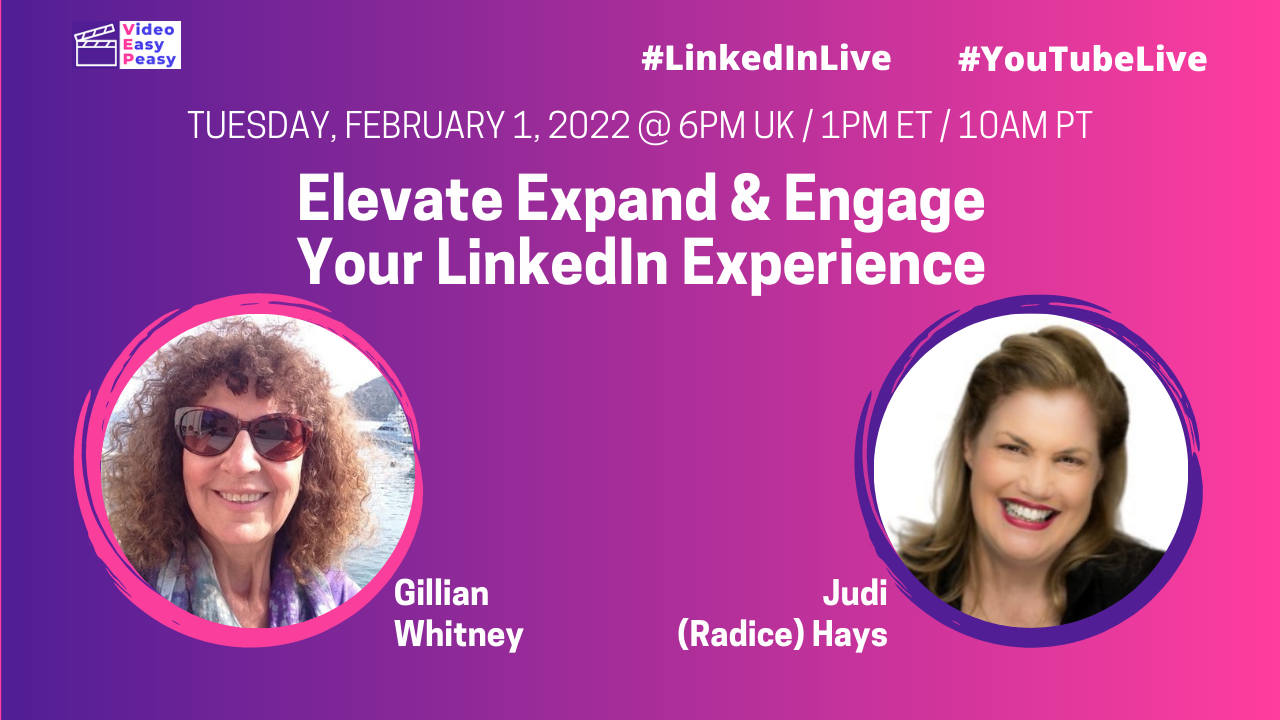
Elevate, Expand & Engage Your LinkedIn Experience with Judi Hays
Listen On

Easy Peasy Podcast
In this episode of the Easy Peasy Podcast, Judi Hays explains how to build a personal and professional presence on LinkedIn. She shares how to clarify what you want to be known for, use LinkedIn to elevate your visibility and expand the right network, and engage in ways that build credibility and meaningful business relationships.
Episode Key Takeaways
- Clarify what you want to be known for: A focused LinkedIn presence makes your expertise easier for the right people to recognize.
- Elevate your visibility: Treat your profile as a professional landing page that supports the work you want to attract.
- Expand your network intentionally: Build connections around the people, organizations, and conversations that matter to your next chapter.
- Engage authentically: Use thoughtful comments, messages, and content to build relationships rather than relying on automated outreach.
- Use LinkedIn as one business asset: Your profile and network should support a broader authority-building strategy, not operate in isolation.
Resources
Watch Now
Appearances By
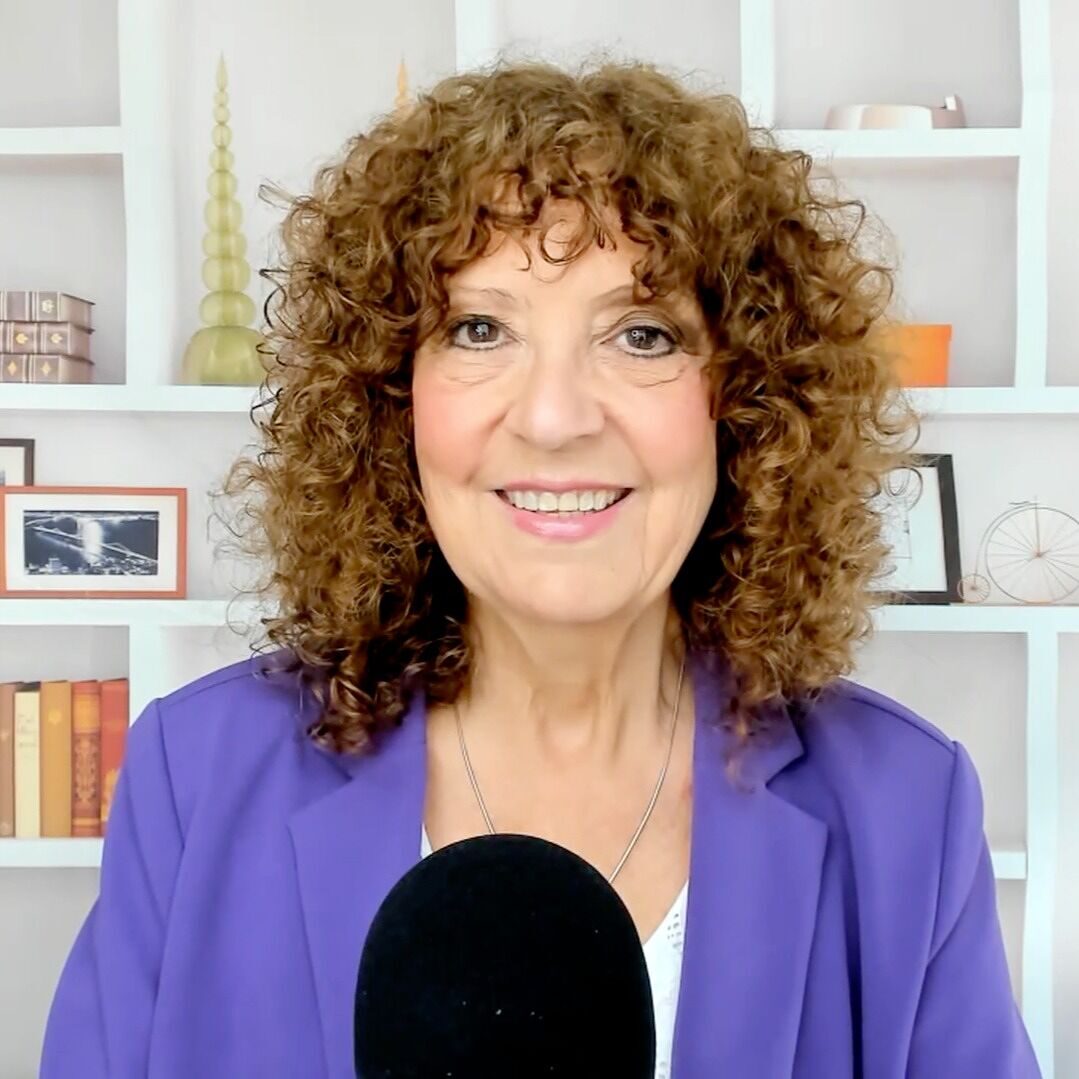
Gillian Whitney
Gillian Whitney is an author, speaker, book coach, and host of the Easy Peasy Books Podcast. She helps experience-rich professionals turn their expertise into authority, visibility, and meaningful impact through books, LinkedIn visibility, and authentic communication.

Judi Hays
Judi Hays is a LinkedIn authority strategist for expert-led consulting firms. As the author of Elevate, Expand, Engage and a Forbes Business Council contributor, Judi work with established independent B2B consultants ready to build what their practice has been missing. Learn more about Judi Hays.
Show Transcript
This transcript was generated from the episode audio and lightly edited to remove filler words and obvious repetitions. It may contain transcription errors.
Transcript pending source verification.
The first step is to follow LinkedIn’s instructions for downloading your data. Click your small profile picture at the top of LinkedIn (labeled "Me"), then go to Settings & Privacy. Click Data Privacy on the left menu, and choose Get a copy of your data. Select the option that says "Download larger data archive" and hit request.
It is not instant. Because it is a massive security file, it usually takes LinkedIn anywhere from 24 to 48 hours to build your custom archive. They will send you an email notification as soon as your download link is ready.
Yes. Once LinkedIn emails you saying your file is ready, the download link is only active for 72 hours. Make sure you download it to your computer right away so you don’t have to request it all over again!
No, only some of them. Due to strict privacy laws, you will only see an email address in your spreadsheet if that specific connection has explicitly checked a box in their personal settings allowing their network to download it.
Yes. For founder-led firms, your downloaded connections file contains a historical map of your high-trust relationships. Sorting this data by company and target title allows you to bypass cold outreach and strategically re-engage warm prospects who already know and trust your expertise.
Yes, downloading your data is a native, secure privacy feature provided by LinkedIn. However, while requesting your archive, you should always audit your "Active Sessions" and "Permitted Services" to revoke access from unrecognized devices or outdated third-party extensions that could compromise your account.